
Contents
Before the first round, a pistol optic has to answer a basic question: does it actually fit the slide?
A footprint label narrows the field, but it does not settle the installation. Cut depth, recoil posts, adapter plates, screw threads, and screw lengths can still vary between slides. If those details do not line up, nothing else matters.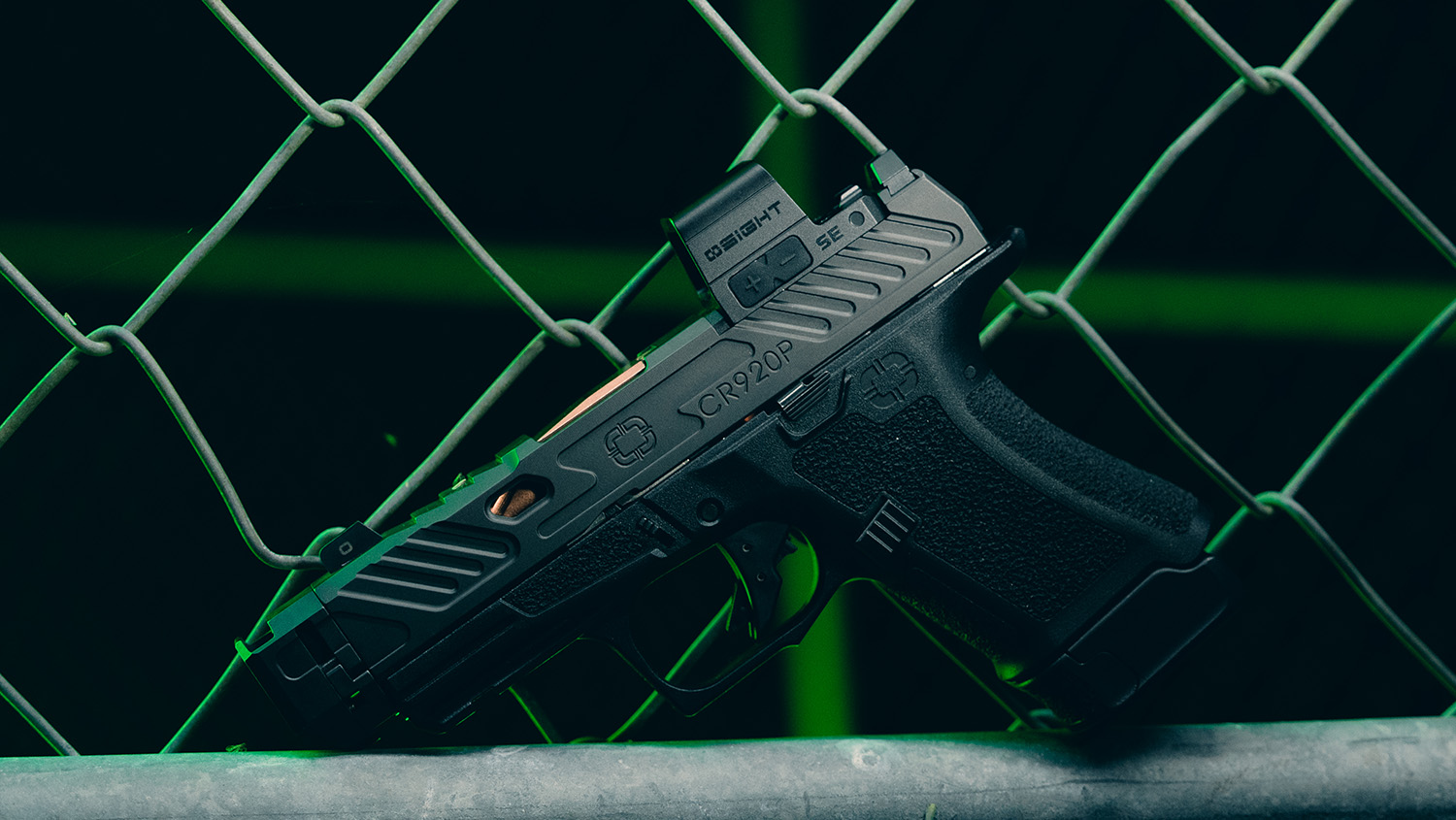
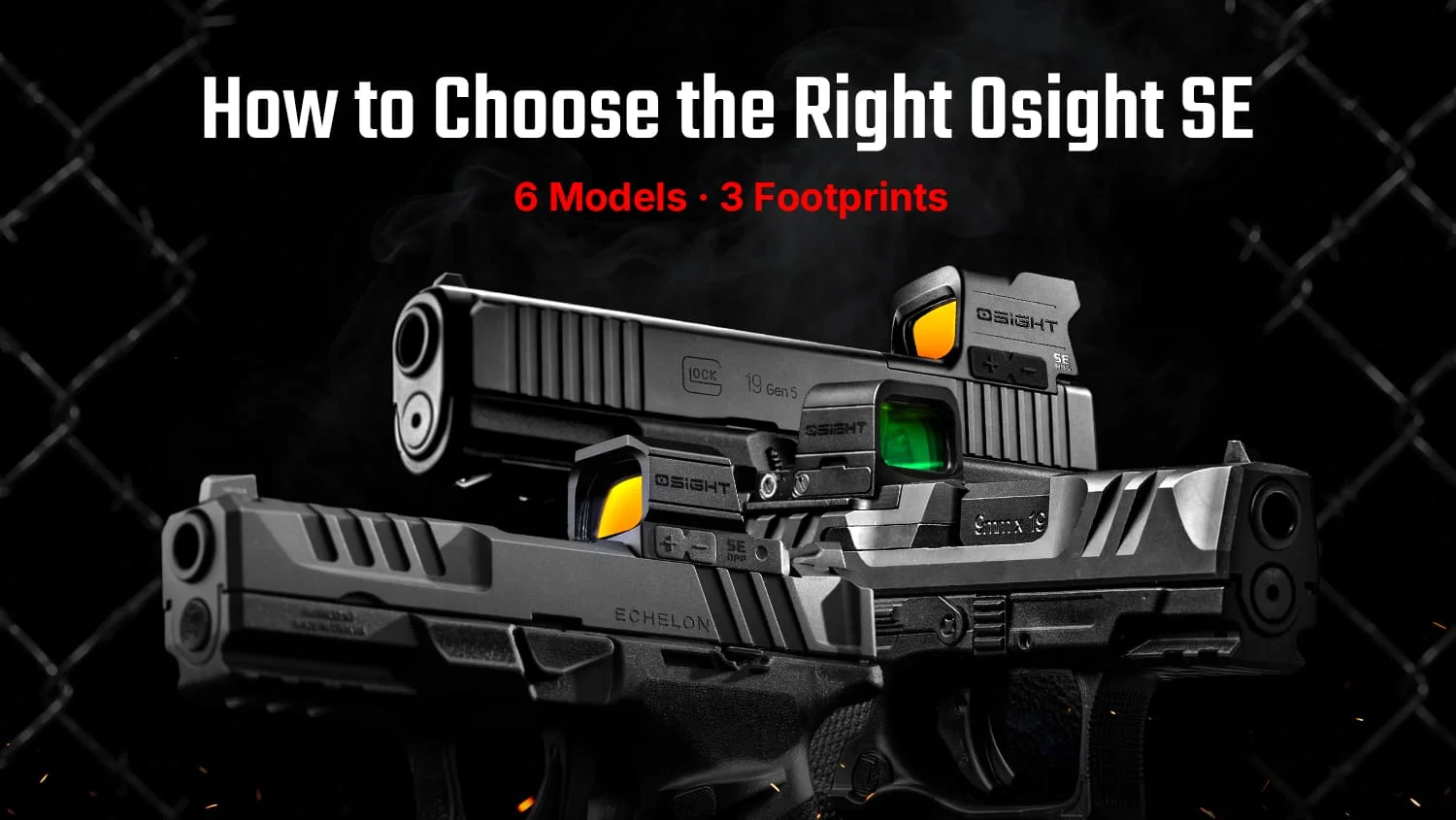
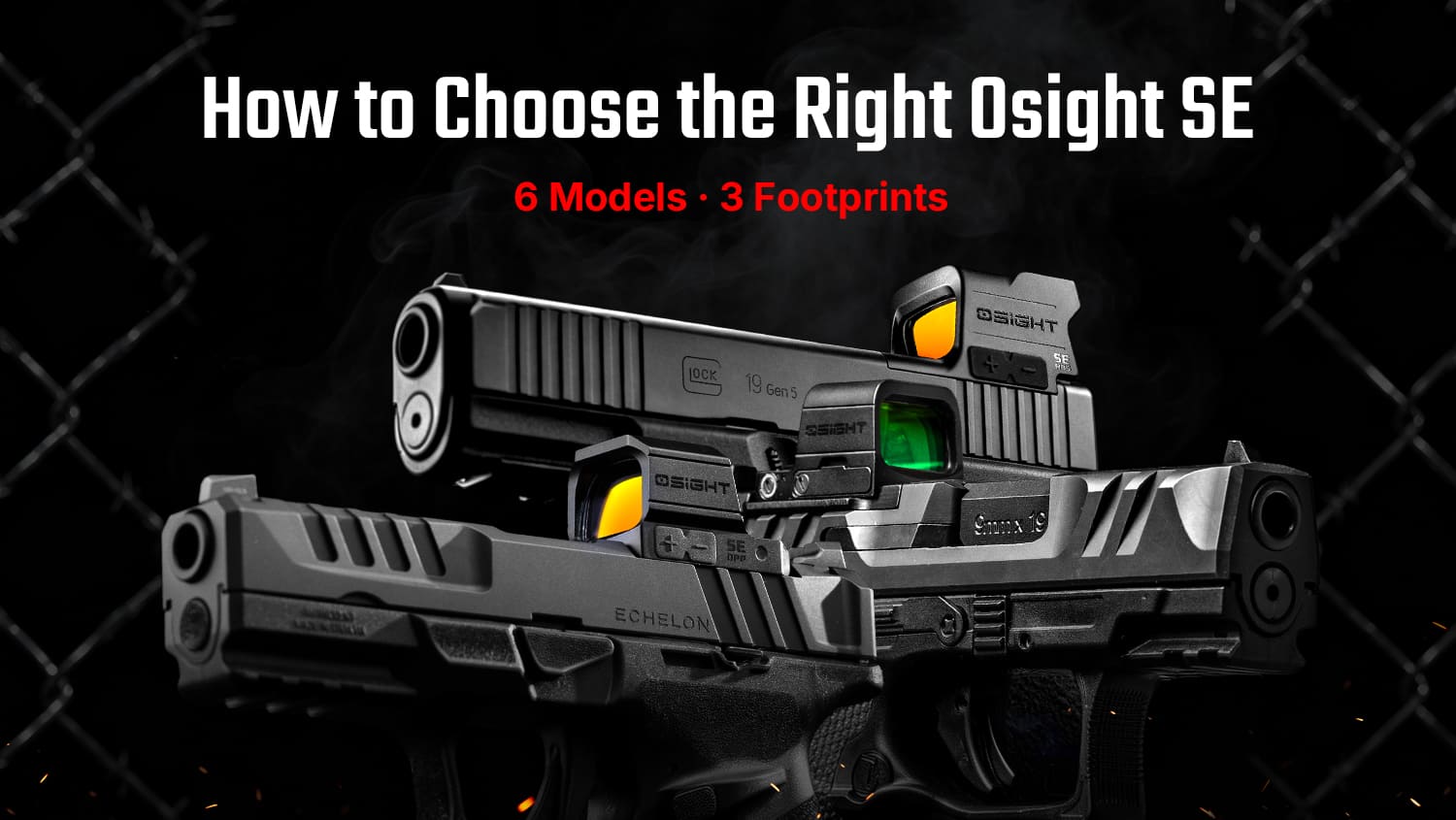
Every member of the Osight SE family shares a fully enclosed architecture, but differs between three mounting systems: RMSc, direct-mount MOS, and DPP. Confirm your interface first, then choose the reticle format and color that work best for you.
The SE Series, Explained
The video below maps out all six SE models and the decisions that separate them, beginning with the mounting interface and moving through reticle format and illumination color.
A Shared Core
Footprint, reticle, and color change across the lineup, but the core design remains consistent.
Fully Enclosed Emitter
The defining feature across the SE Series is the fully enclosed emitter. By sealing the LED inside the housing, the design helps keep rain, dust, clothing, lint, and loose debris out of the optical path. This is especially relevant on a carry pistol, where the optic may spend long periods exposed to clothing and daily buildup. Each model uses a 7075-T6 aluminum housing and carries an IPX7 waterproof rating.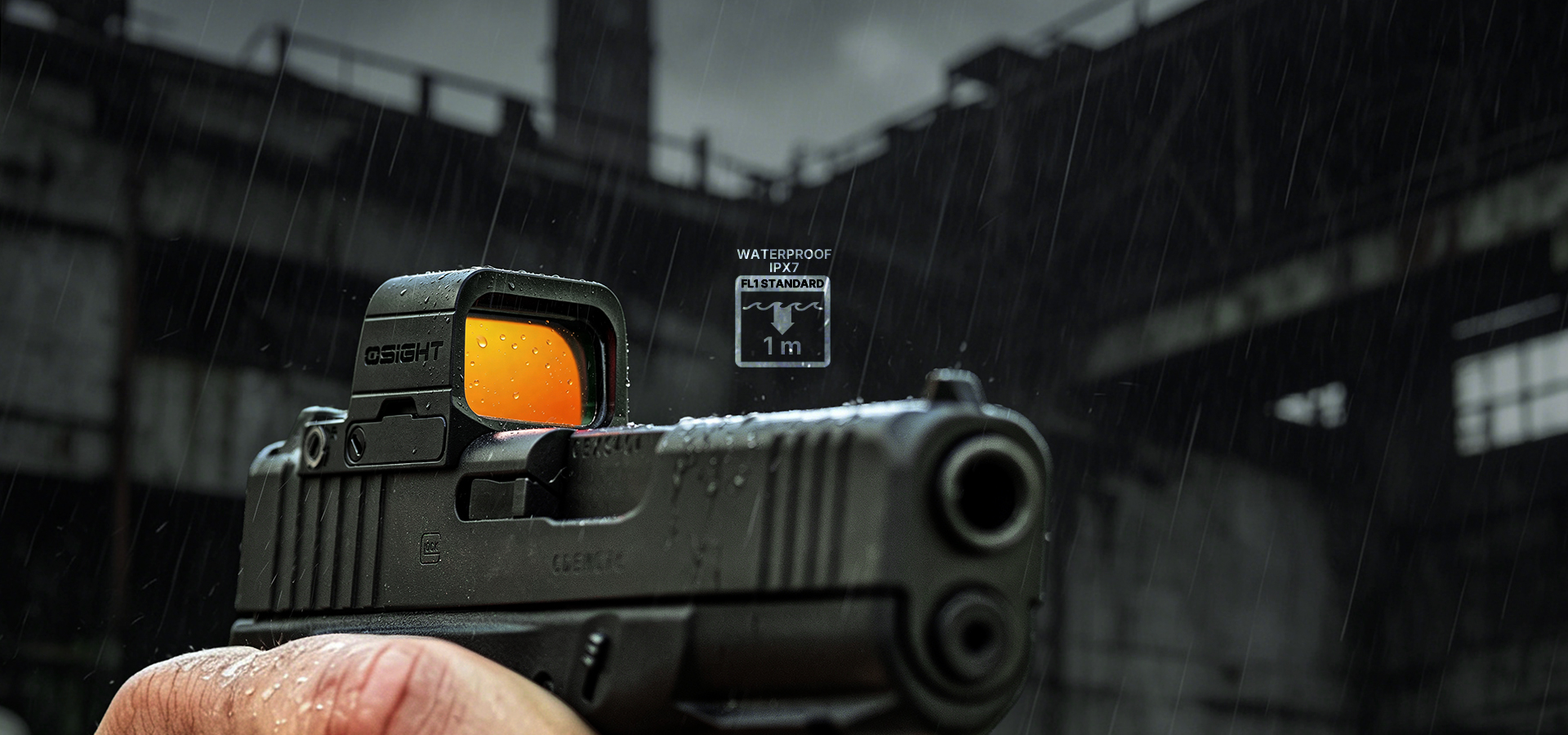
Aspherical Lens
All six models use an aspherical lens designed to limit visible distortion and support a clear, parallax-free sight picture. This helps keep the reticle and target easier to read when the shooter’s eye is not perfectly centered behind the window.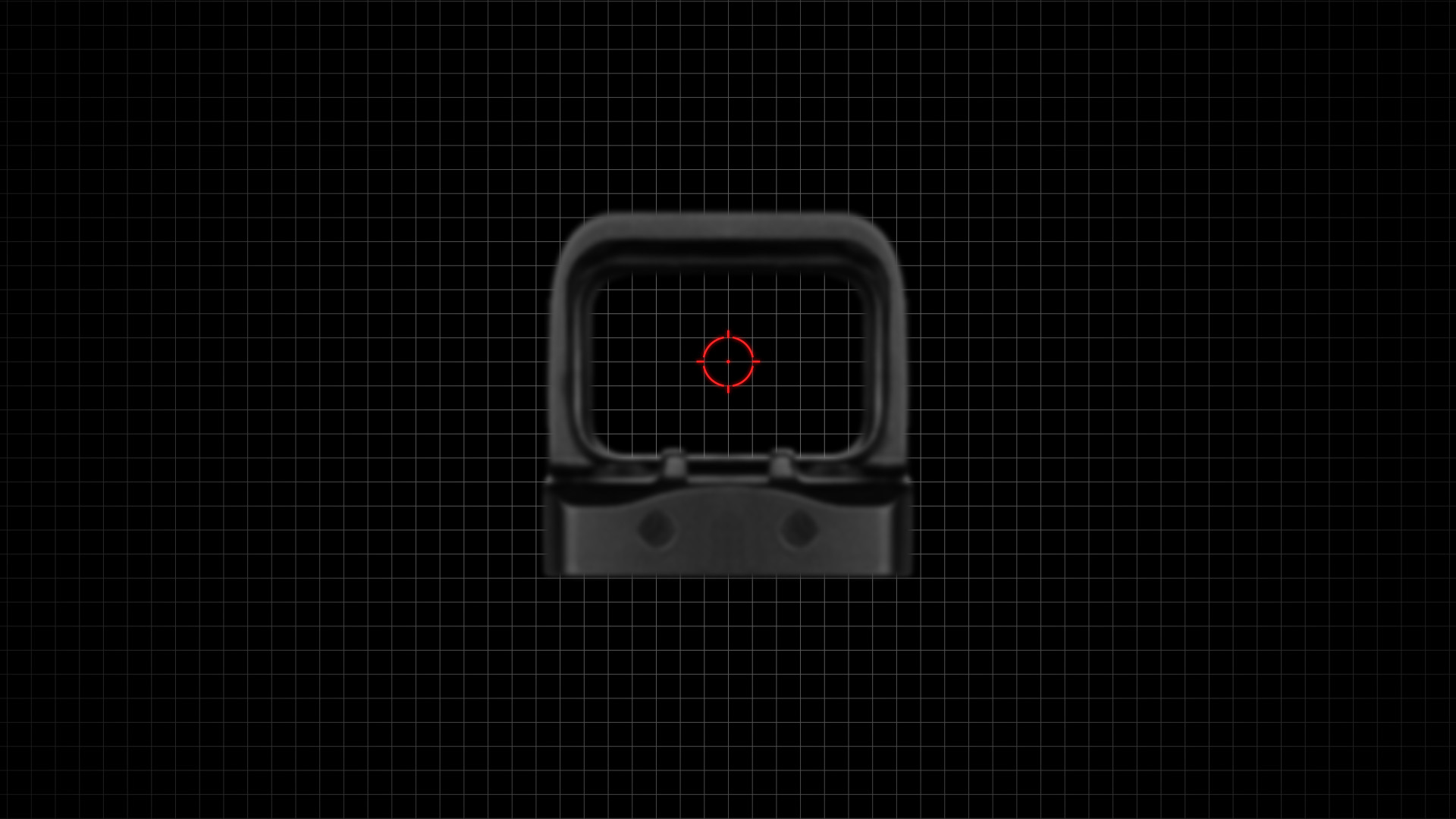
Side-Loading Battery
Every SE uses a side-loading battery tray, although battery type and rated runtime vary by model. The battery can be replaced while the optic remains mounted, helping avoid disturbing its position on the slide.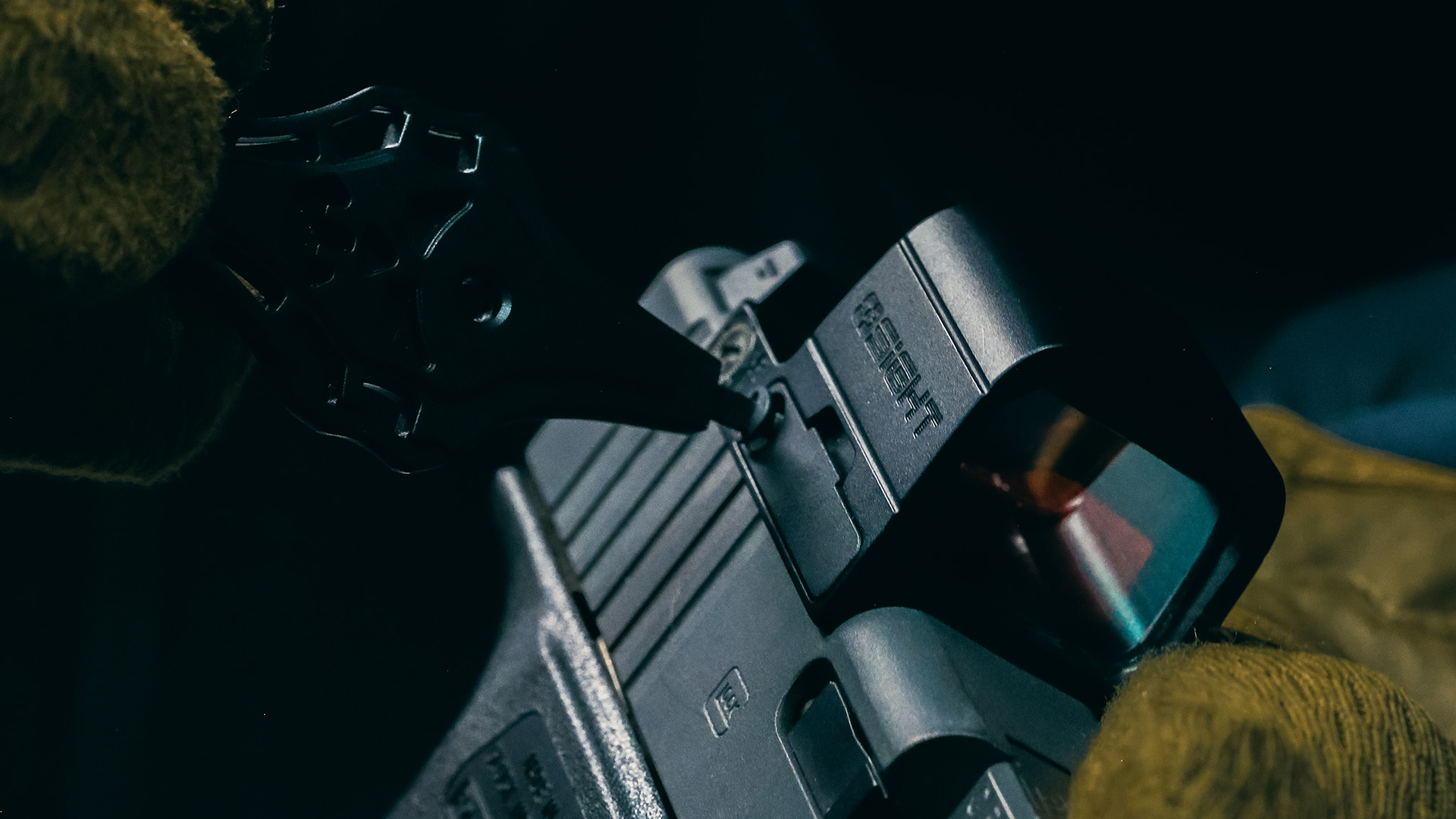
Motion Activation Technology (MAT)
MAT places the sight in standby after three minutes without movement and restores the reticle when motion is detected. Eight daylight settings and two night vision settings provide manual control across changing light conditions, while the memory function returns the optic to its previous setting.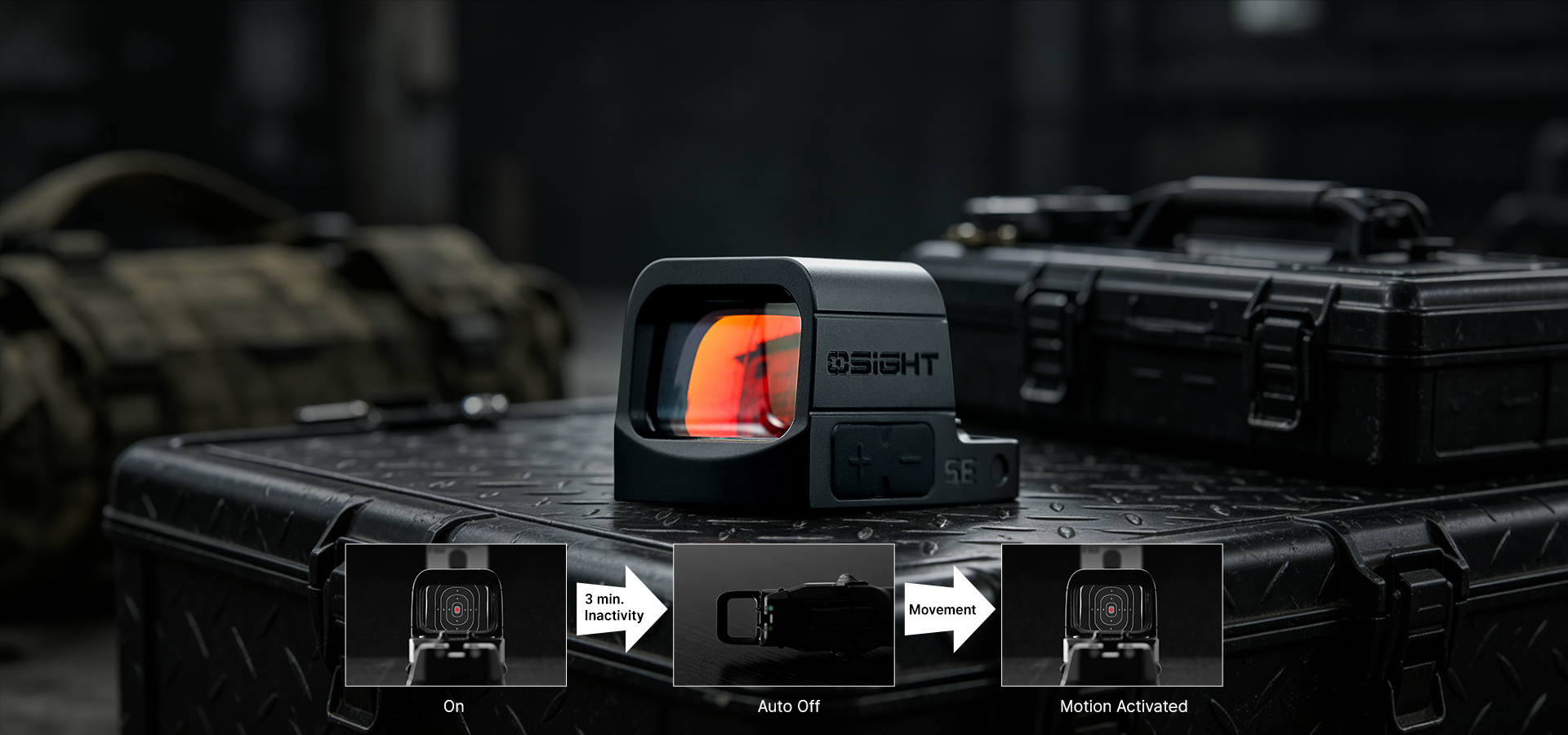
SE Series at a Glance
The table below provides a quick overview of all six SE models.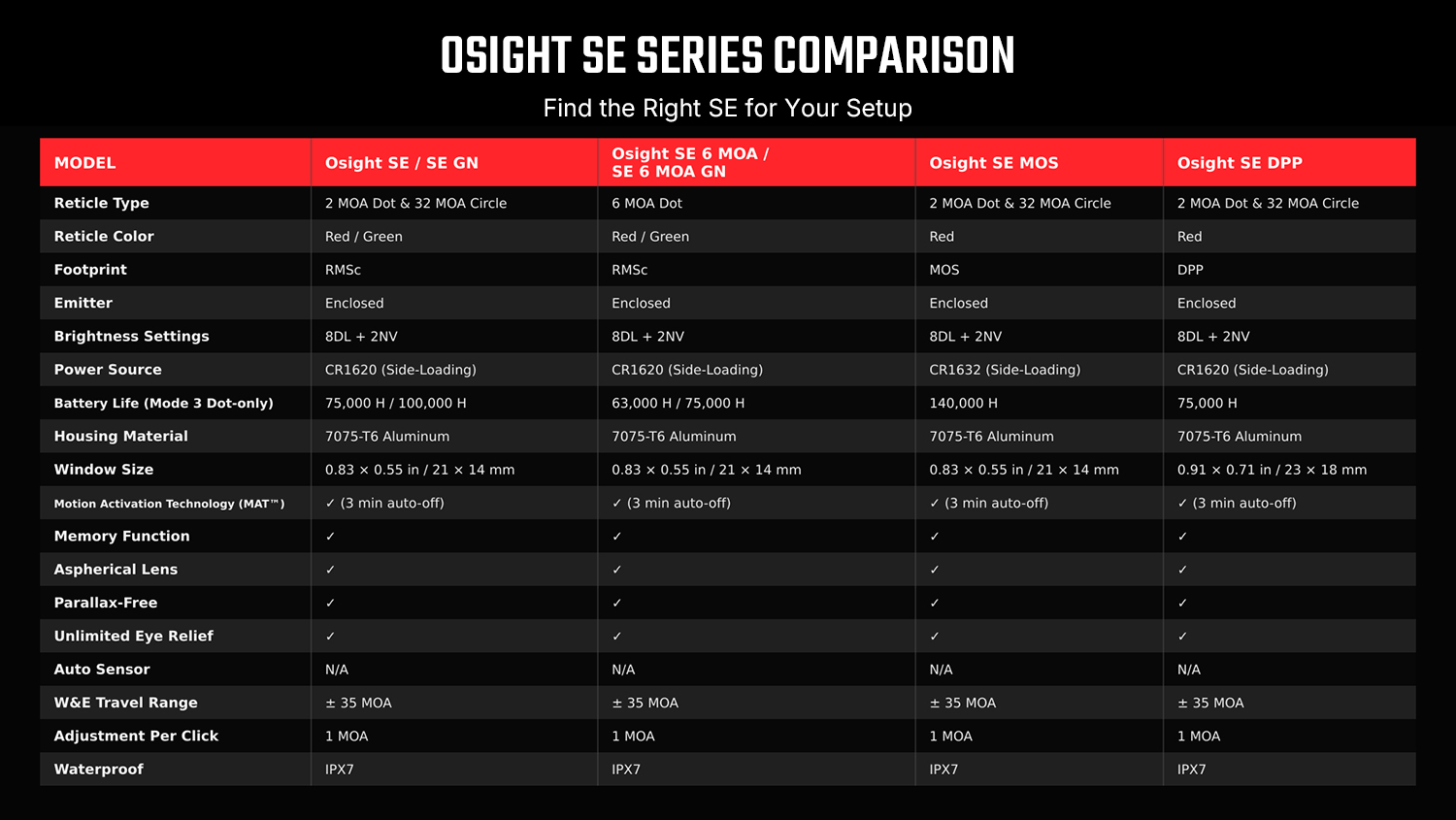
Start With the Slide
The comparison table identifies the footprint used by each SE model. The compatibility charts below show how those interfaces translate to specific pistols and mounting hardware.
RMSc Footprint
Osight SE, SE GN, SE 6 MOA, and SE 6 MOA GN use the RMSc footprint. Many firearms in the chart support direct mounting, while some require a designated RMSc adapter plate. Follow the installation method and screw specification listed for the exact pistol.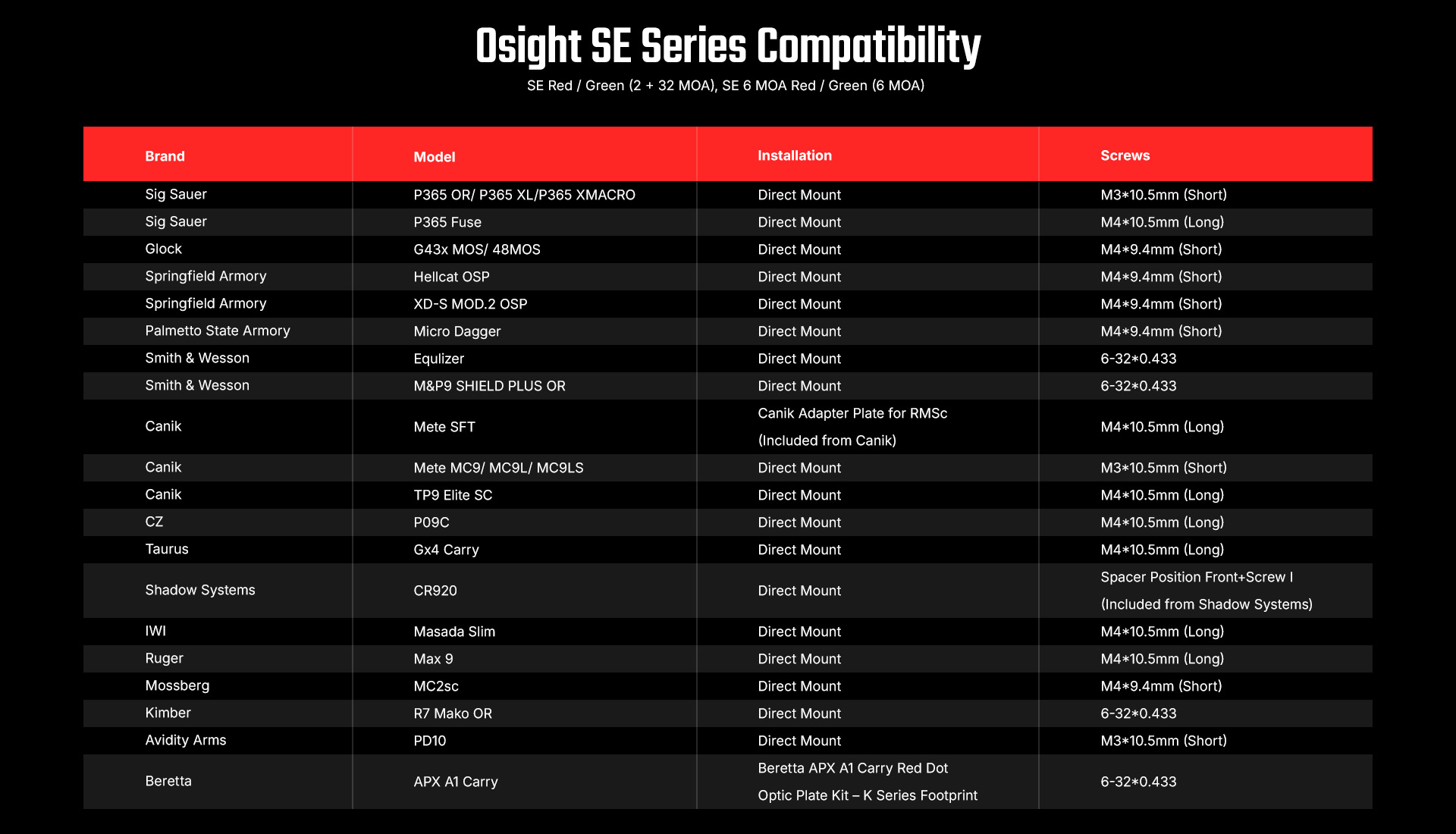
MOS Footprint
Osight SE MOS mounts directly to the compatible full-size GLOCK® MOS slides listed in the chart, removing the need for an adapter plate. Its inverted emitter architecture allows the optic to sit farther rearward and lower over the slide. The physical window remains 21 × 14 mm, but its position closer to the shooter’s eye increases the effective field of view. G43X MOS and G48 MOS are not included in this fitment.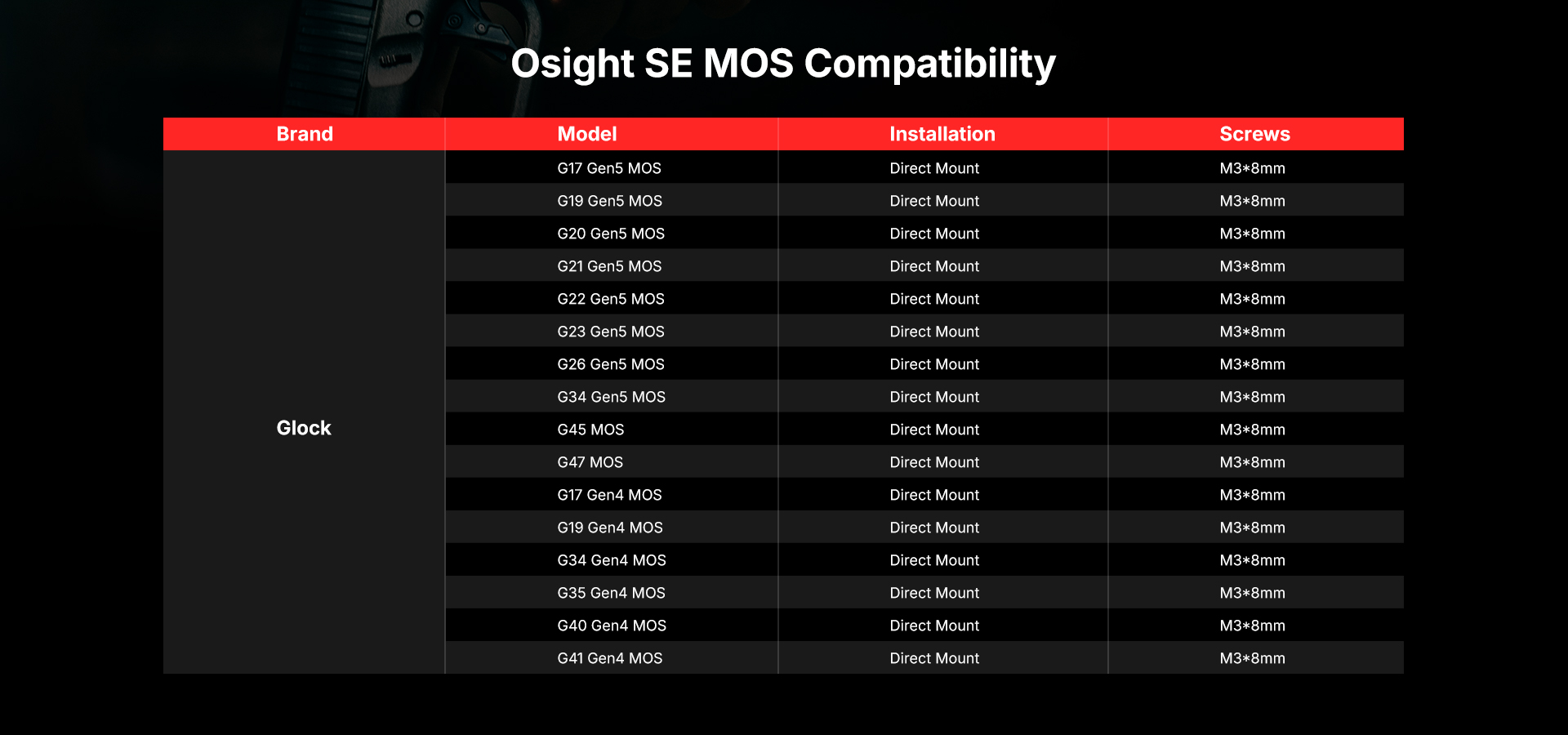
DPP Footprint
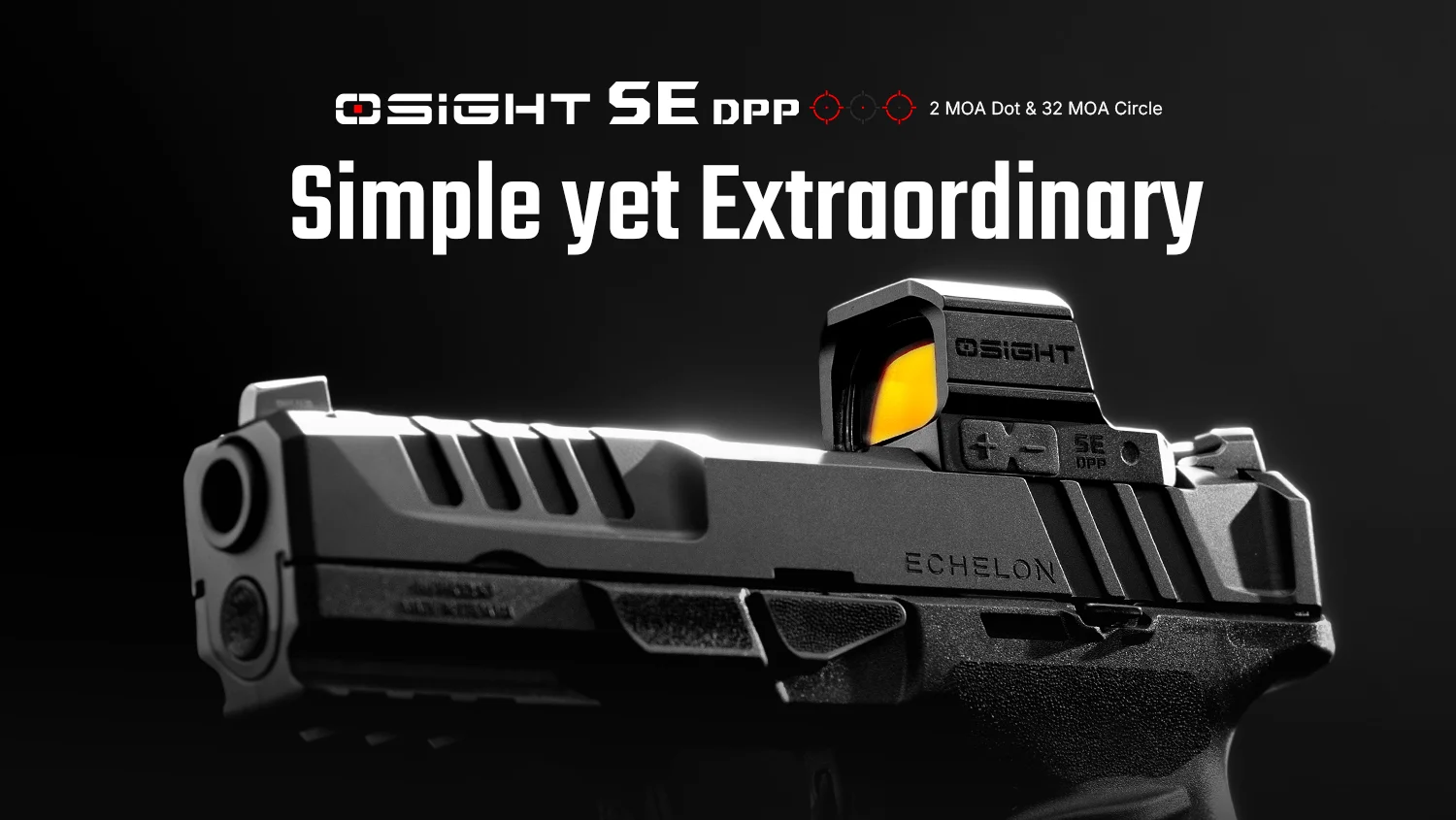
Osight SE DPP uses the DPP footprint and has a 23 × 18 mm window, the largest physical window in the SE Series. Some pistols in the chart support direct mounting, while others require the specified manufacturer or aftermarket plate.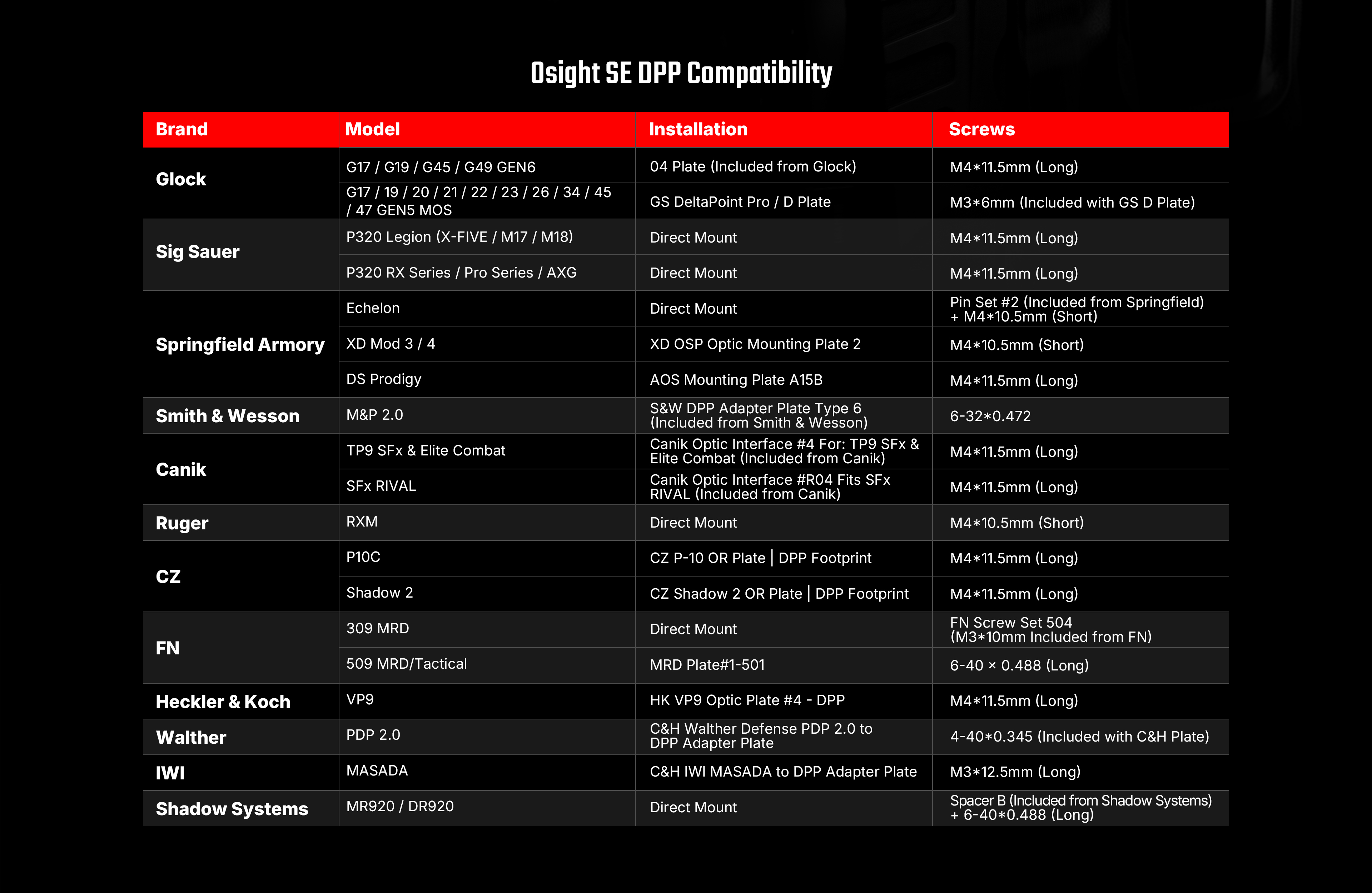
For more information about firearm compatibility, please visit the Osight Fit Guide.
The Reticle in Motion
Reticle choice shows its character when the pistol is moving. During presentation, the eye has to pick up the aiming reference as the gun reaches extension. Under recoil, it has to track that reference as the slide cycles. A larger dot or outer circle can provide a more prominent visual cue, while a smaller center dot gives the shooter a finer reference once the pistol settles.
Multi-Reticle System
Osight SE, SE GN, SE MOS, and SE DPP offer a 2-MOA dot, a 32-MOA circle, or both together. The outer circle can help the eye locate the center of the window during presentation. Once the pistol settles, the 2-MOA dot provides a finer aiming reference that covers less of the target. Shooters can use either element alone or combine them when they want both visual cues.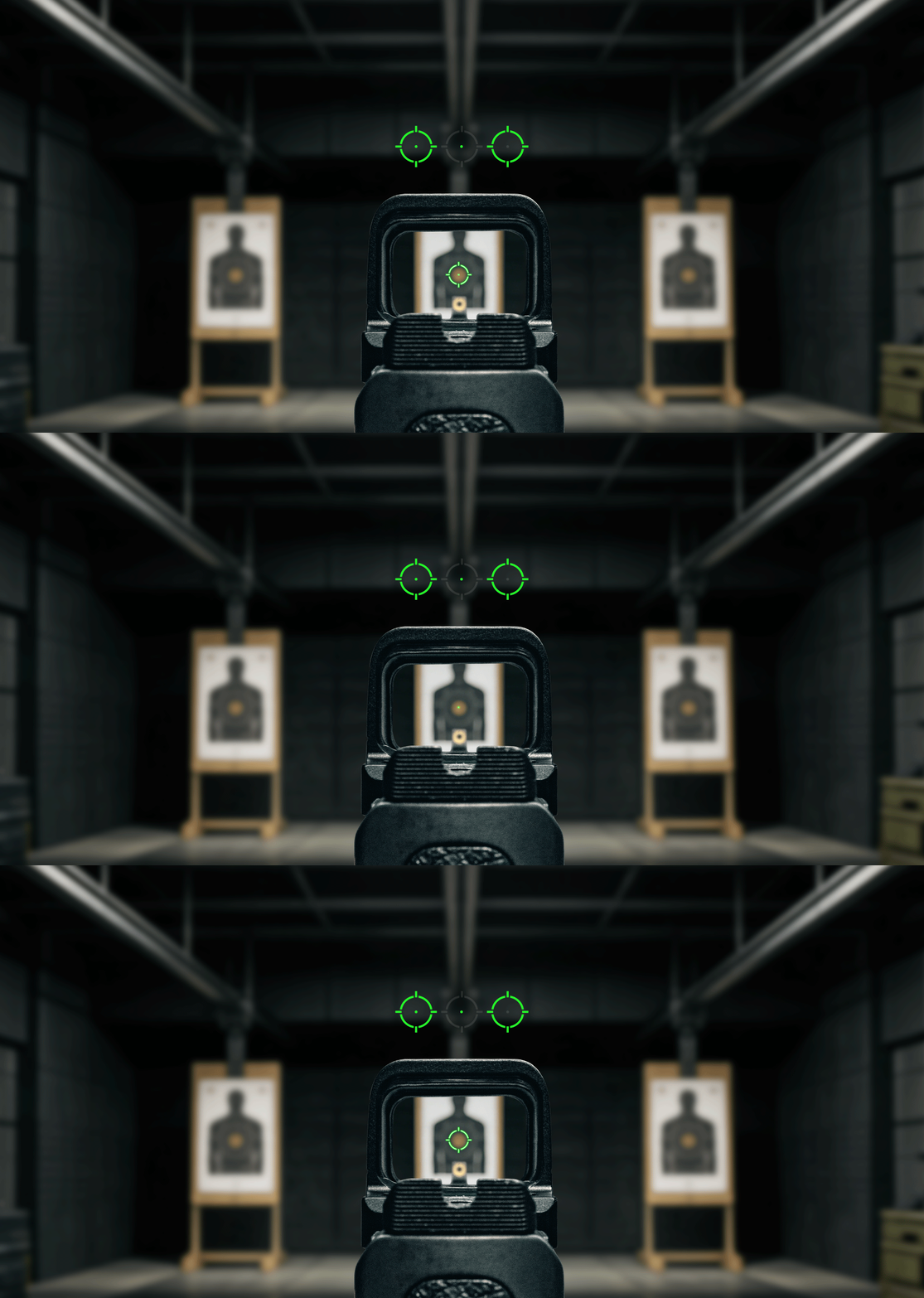
6 MOA Dot
Osight SE 6 MOA and SE 6 MOA GN use a single 6-MOA dot. Its larger apparent size can be easier to identify as the pistol reaches extension and easier to follow during rapid strings. The single aiming point keeps the sight picture simple and direct.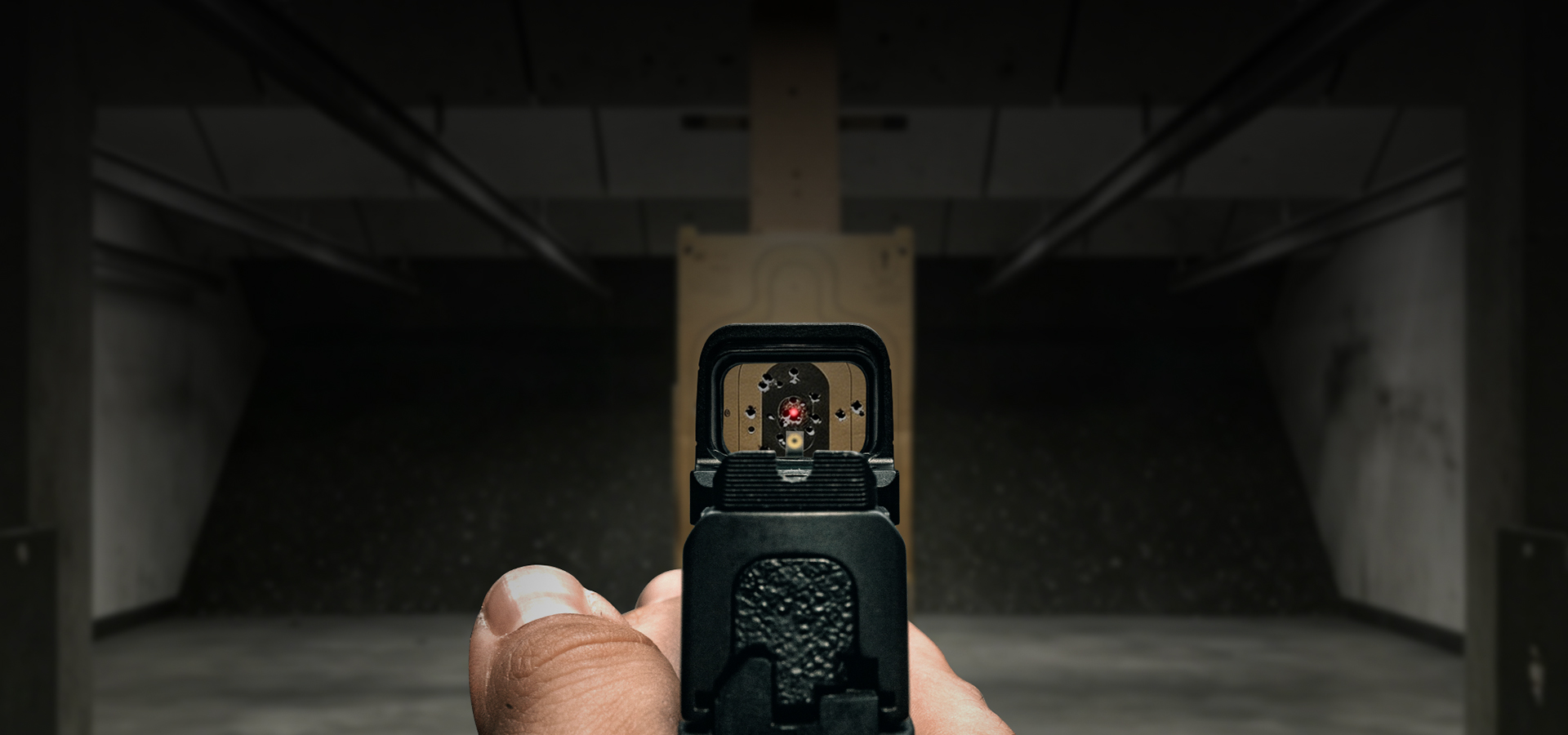
Reticle Color in Practice
Reticle color stops being an abstract choice once the shooter steps onto the firing line. A reticle that looks sharp indoors may read differently against a sunlit berm, a dark target, or mixed lighting. Brightness settings, target backdrop, and individual vision all influence how it appears in the window.
Red Reticle
Osight SE, SE 6 MOA, SE MOS, and SE DPP display red reticles. Red remains a familiar aiming reference for many pistol shooters and can provide clear contrast across a range of common lighting conditions. For shooters already accustomed to red dots, it also maintains a familiar visual reference across the three SE mounting interfaces.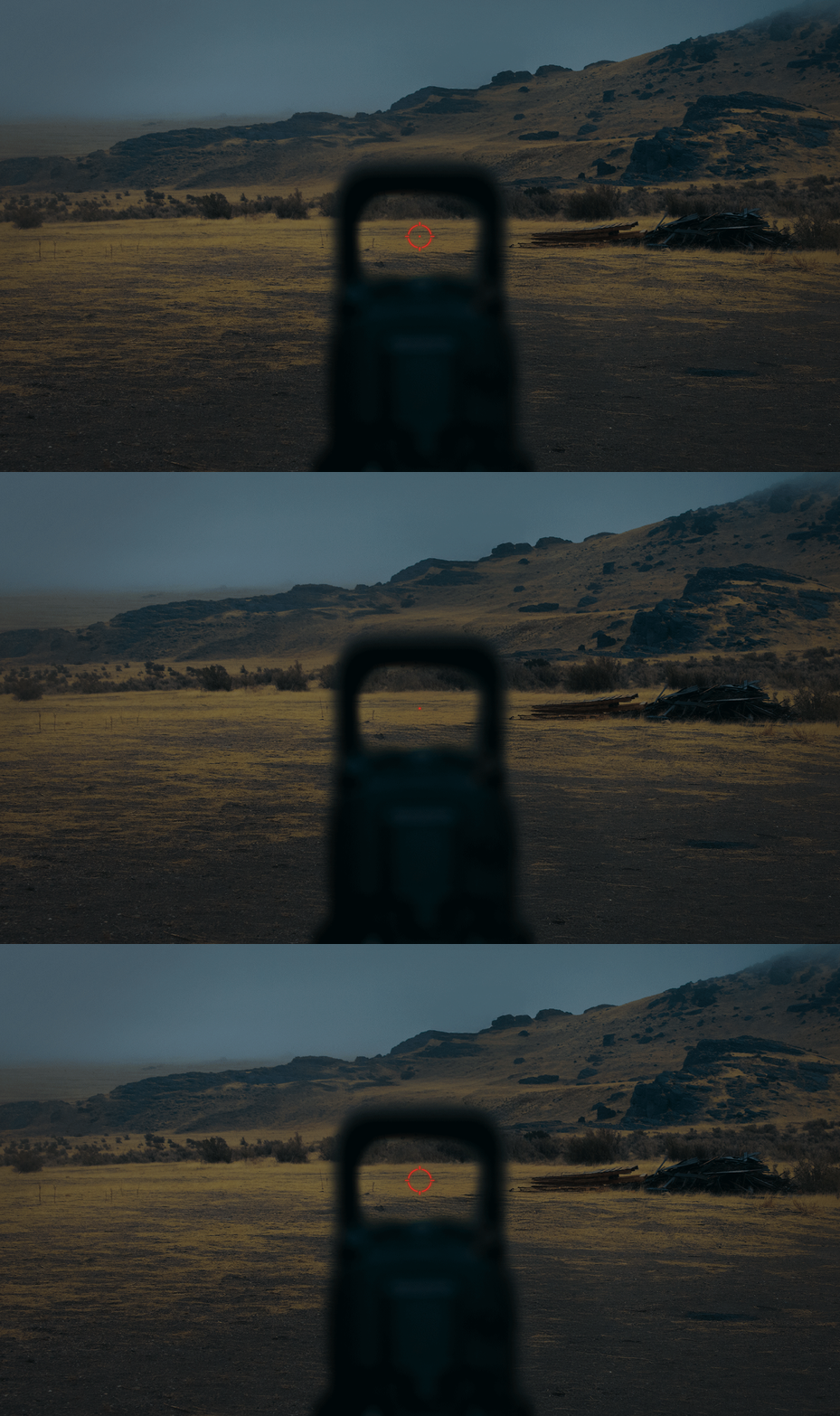
Green Reticle
Osight SE GN and SE 6 MOA GN display green reticles. Green may appear brighter or easier to locate for some shooters, particularly in bright daylight or against certain backgrounds. Some shooters with astigmatism may also see a cleaner aiming point, although the result varies from person to person (and even eye to eye!). Whenever possible, view both colors before choosing.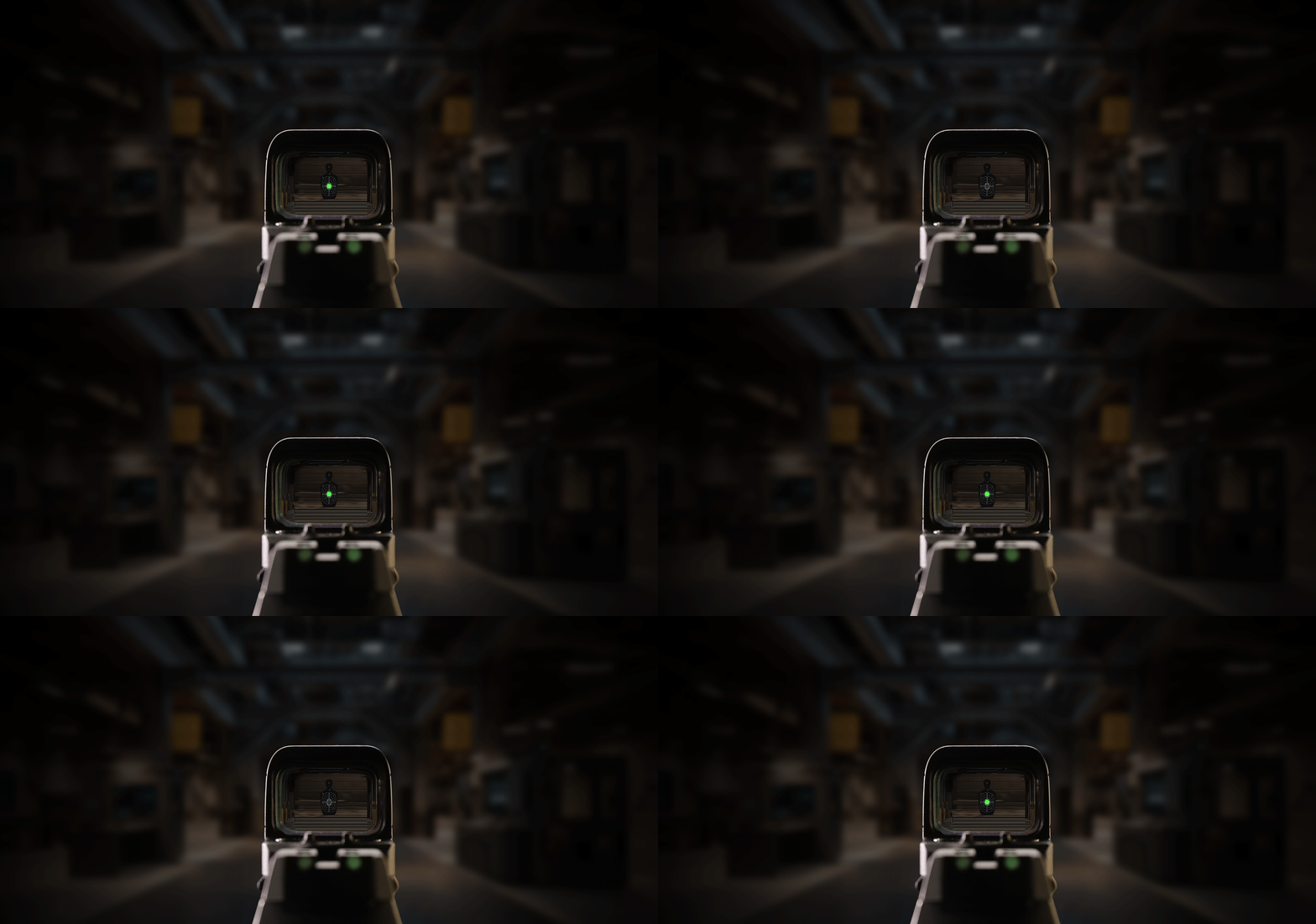
Built From the Same Core
By the time a pistol reaches the firing line, two questions should already be settled: how the optic mounts and what the shooter needs to see when the gun starts moving. The six SE models answer those questions through different combinations of interface, reticle, and color. Start with the slide, confirm the required hardware, and make the remaining choices through your own eyes.
Once the fit is confirmed, shop the Osight SE series and choose the model that matches your setup.
New to the Osight Store?
Click here to create an Osight Store account and get 10% off and free shipping.